v1.0
Billing & Plans
Self-serve billing, transparent usage, and invoice history — with automatic email receipts.
Quick start
Setup time
3 minutes
Prerequisites
- •Credit card or company billing contact
Outcomes
- Plan selected
- Receipt configured to your finance team
Step-by-step walkthrough
Numbered, real-world instructions you can follow today.
1
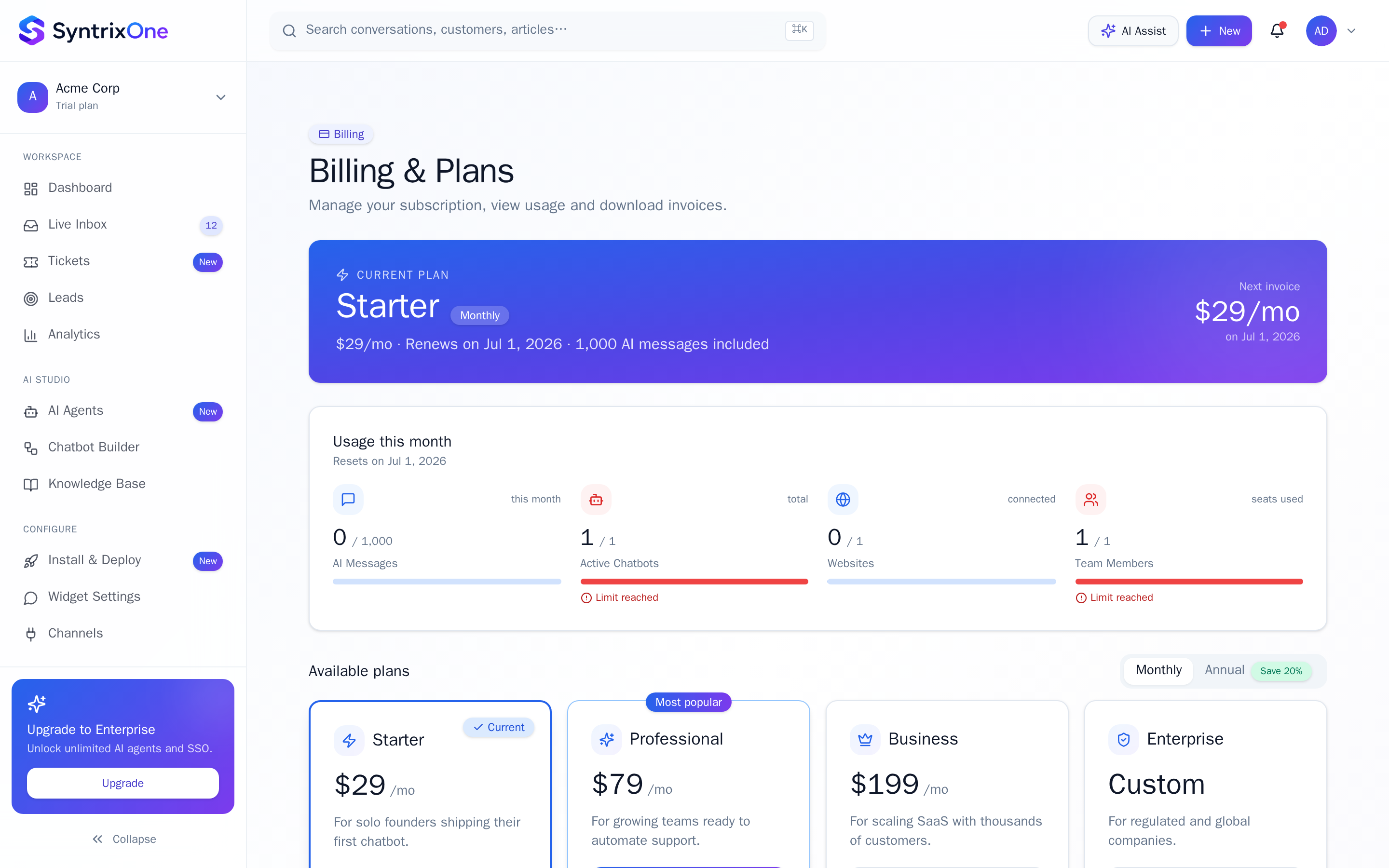
Open Billing
Sidebar → Billing.
2
Choose a plan
Free, Growth, or Enterprise. Annual billing saves 2 months.
3
Add a payment method
Card or invoicing (Enterprise).
4
Set the billing contact
Receipts and dunning emails go to this address.
5
Monitor usage
AI messages, seats, contacts, and storage shown live.
Watch tutorial
Watch: Billing & usage
Video coming soon — bookmark this page or subscribe for the release.
Tips & best practices
Field-tested advice from teams shipping SyntrixOne in production.
- Set a Usage cap to avoid surprise overages.
- Pay annually to lock in pricing for 12 months.
Common issues & troubleshooting
What goes wrong, and exactly how to fix it.
Frequently asked questions
3 answers to the questions teams ask most.
Ready when you are
Manage Billing
Estimated setup time: 3 minutes.
Related articles
Keep going — explore the next pieces of SyntrixOne.